Home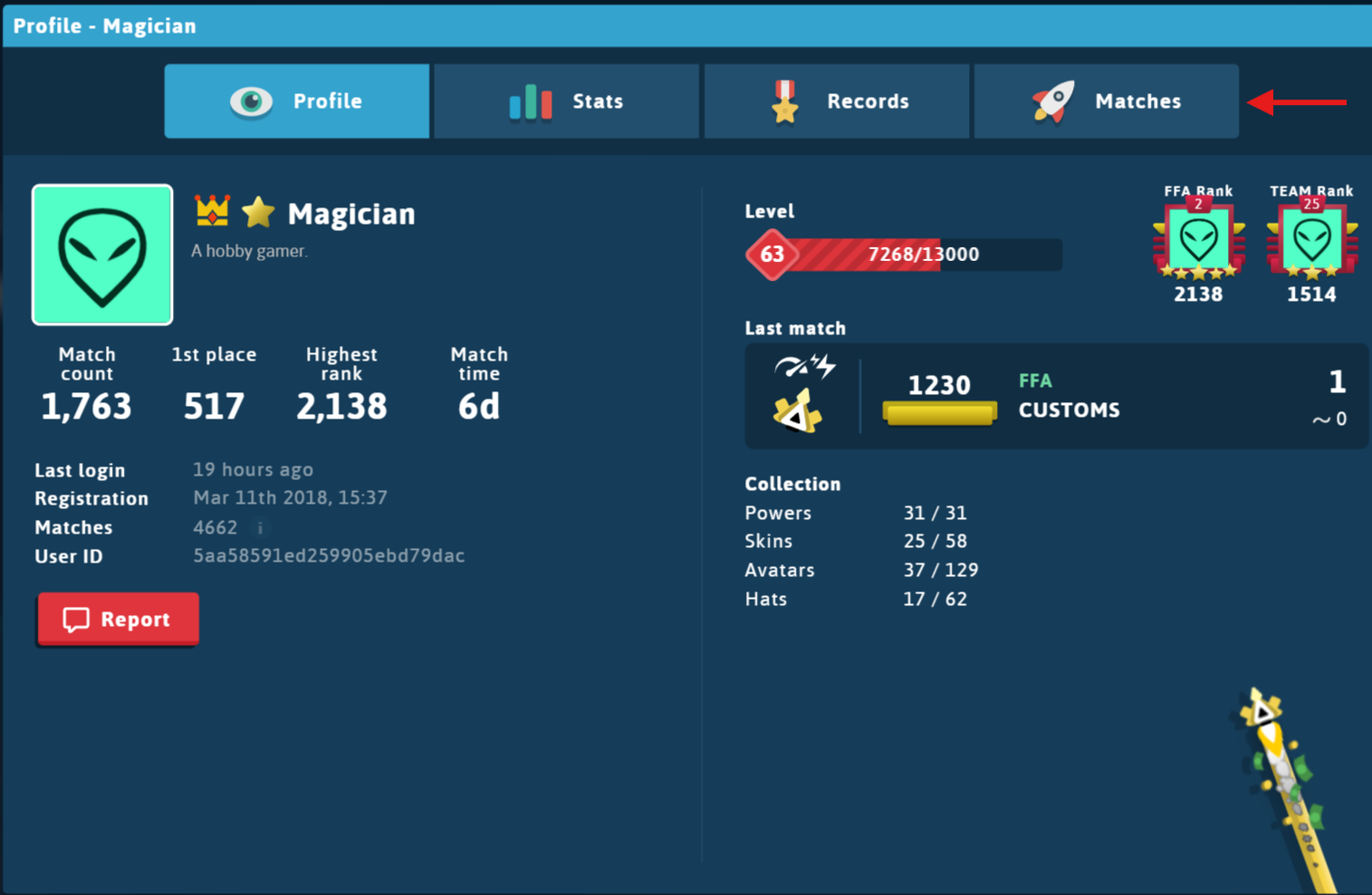
 Homehighlights
Replays
The replay system allows you to view games that have been played previously.
Finding a Replay
You can access replays through player profiles, then go to the "Matches" tab
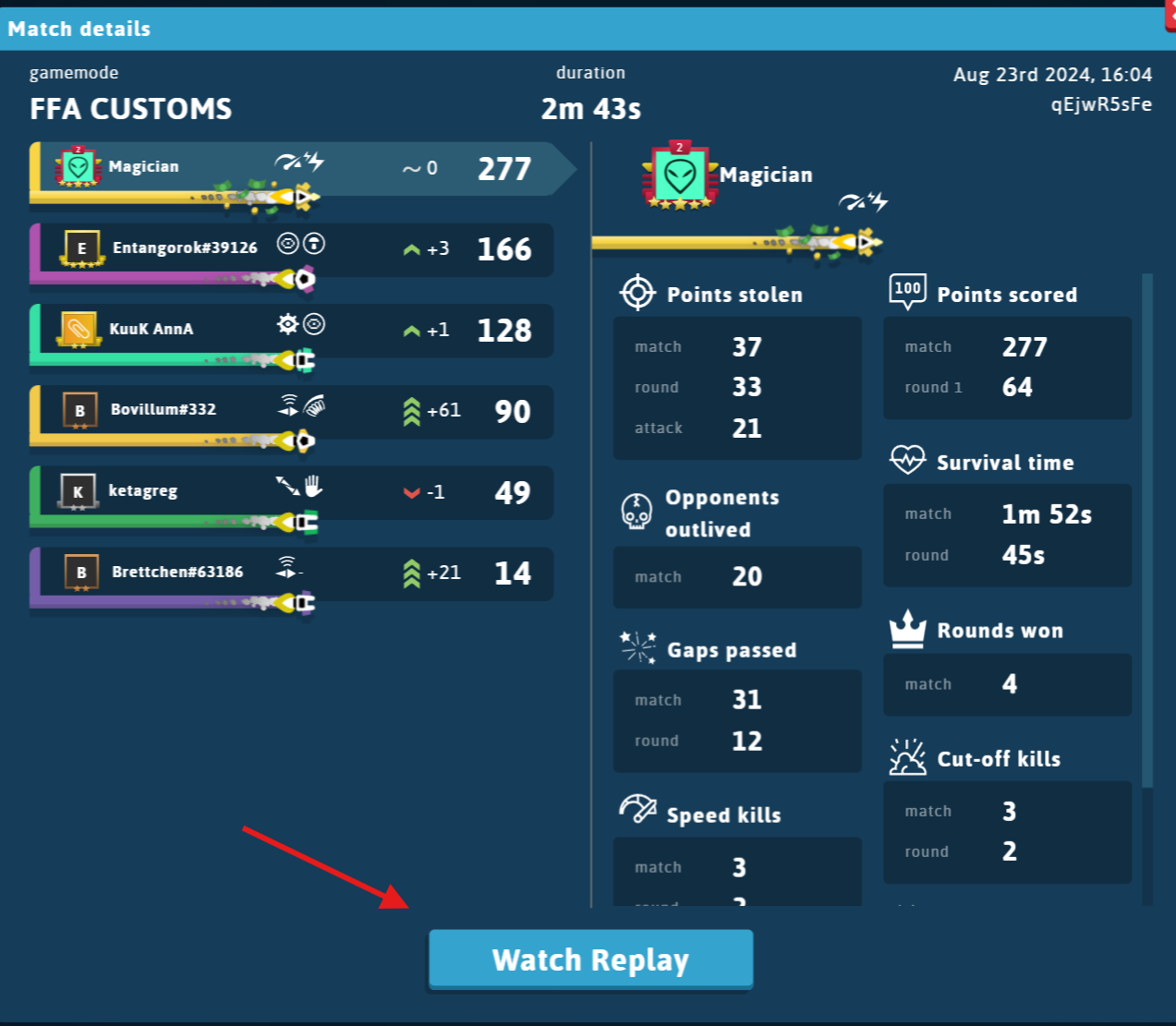
Click on any match, and at the bottom there will be an option to "Watch Replay"
Watching the Replay
Once you have accessed the replay, there are a few accessibility settings for the replay
- Play/Pause
- Playback speed
- A scrubber which you can drag/drop or click to change time just like Youtube videos
- Round controls to change rounds

Keyboard shortcuts
There are a couple keyboard shortcuts you can use when watching replays.
spacebar- toggle play/pause,- go back 1 frame.- go forward 1 frame1-9 / 0- follow a specific players+- zoom in (can also use scrollwheeel)-- zoom out (can also use scrollwheeel)escape- stop following player | reset camera zoom
Sharing highlights
There is a button when watching a replay to share a highlight.
See highlights for more information.