HomeHomeclips
Highlights
There is a button when watching a replay to share a highlight.
This allows you to clip a certain part of a replay and share it.
The best highlights have a chance to win rewards. (see below)
Highlight settings
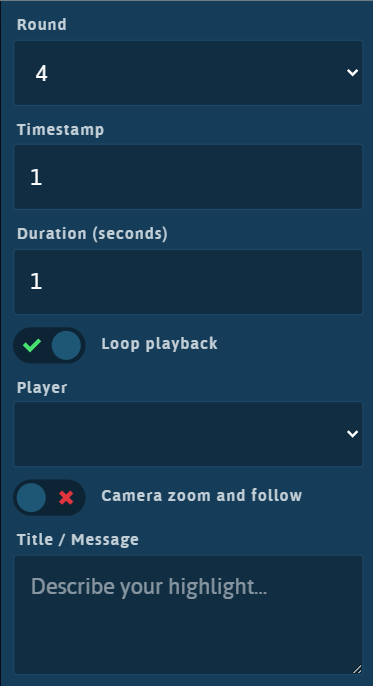
For a highlight you can fill the following settings
- Round - choose what round number of the match to share
- Timestamp - the time within the round in seconds. (can also drag the clip markers)
- Duration - the time in seconds to show on the clip (can also drag the clip markers)
- Loop - playback when on it will loop between timestamp and duration otherwise it wont loop
- Player - select a player it will show the spotlight for that player and this player will get the reward.
- Camera zoom - when on it will zoom in on the selected player and follow them
- Title / message - message which is shared on Discord when you share on Discord
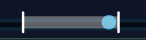
On the scrubber you will see clip markers for the timestamp and the end timestamp based on duration.
You can drag these markers to change the timestamp and/or duration.
Sharing
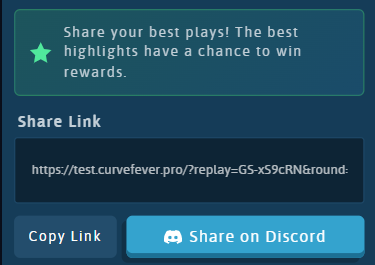
You can share a highlight by using the copy link button and sharing the link or by clicking the share on Discord button.
The share on Discord button will automatically share the clip on the #submit-clips channel on Discord.